Check SIM owner details, CNIC records, and mobile network information instantly with our secure and fast online system in Pakistan.
Complete details of major mobile networks in Pakistan
Pakistan’s largest mobile network offering fast internet, wide coverage, and reliable services nationwide.
Known for its strong 4G internet services and affordable data packages across the country.
Provides stable calling services and budget-friendly bundles for everyday users.
Popular for its strong rural coverage and reliable network performance in remote areas.
Learn how the SIM Service Tool works and how you can use it easily
The SIM Service Tool is an online system that helps users check SIM information linked with their CNIC. It provides details like SIM registration, network information, and SIM status in a simple and easy way.
The tool works by taking your CNIC number and processing it through a secure system to find SIM details registered under your identity.
Enter your valid CNIC number in the tool input field.
Click the search button to process your request.
View SIMs registered against your CNIC.
Check which SIM belongs to Jazz, Zong, Ufone or Telenor.
🧾 Official methods and tools used for SIM checking in Pakistan
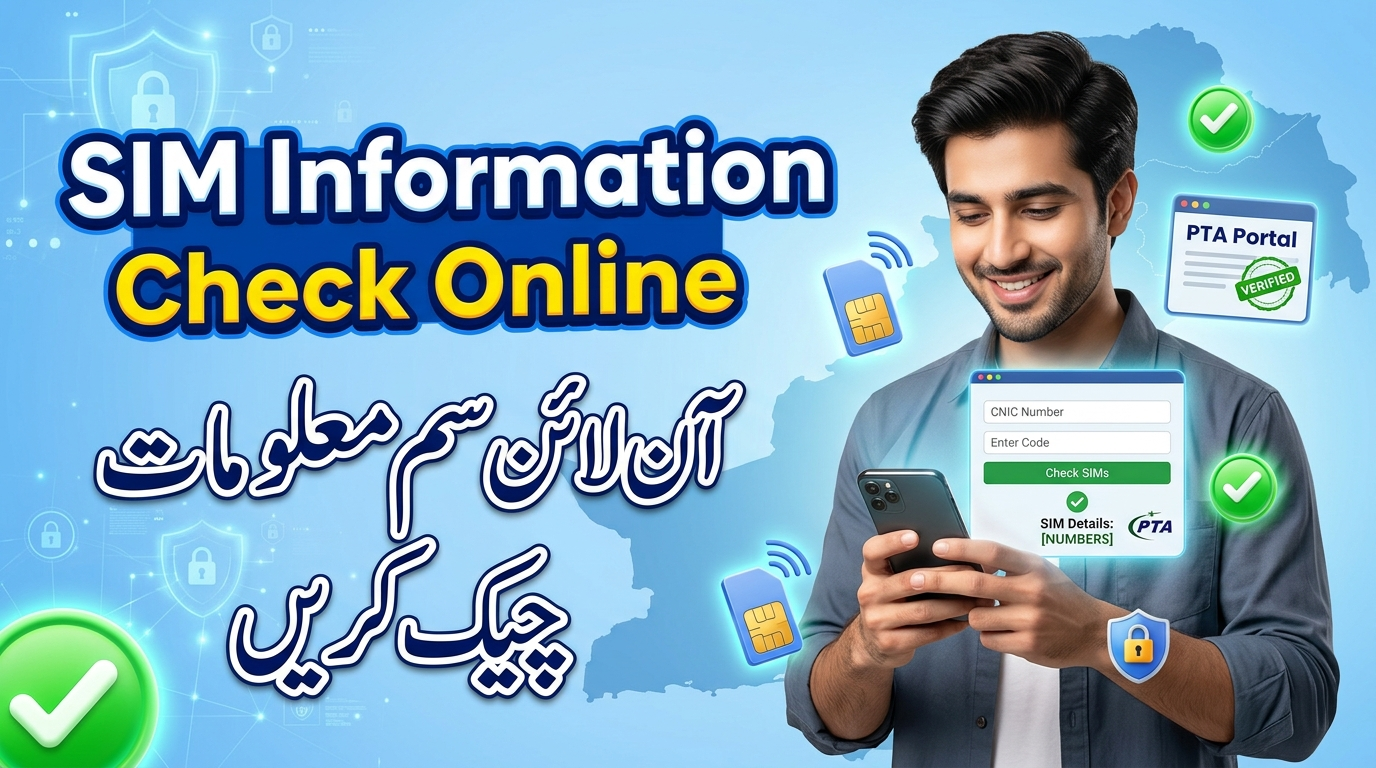
Send your CNIC number to 668 📱 to check SIMs registered against your identity.
Visit your mobile network center 🧾 for biometric verification and SIM details.
Use official PTA platforms 💻 for SIM registration and ownership verification.
All SIMs in Pakistan are issued after biometric verification 👆 through NADRA.
Step-by-step explanation of SIM system, registration, data and importance.
Latest official PTA rules for SIM registration and usage in Pakistan
| Rule | Details | Status |
|---|---|---|
| SIM Registration | Every SIM must be registered on a valid CNIC with biometric verification | Mandatory |
| Biometric Verification | Fingerprint verification is required at franchise for activation | Required |
| SIM Limit per CNIC | Maximum 5 voice SIMs per CNIC (all networks combined) | Strict Rule |
| Data SIM Limit | Up to 3 additional data SIMs may be allowed under separate category | Controlled |
| Unregistered SIMs | All unverified SIMs are automatically blocked by PTA system (DIRBS) | Blocked |
| SIM Ownership | SIM must be used only by the registered CNIC holder | Legal Requirement |
| Fraud & Misuse | Illegal SIM usage or identity misuse is punishable under PECA laws | Legal Action |
| SIM Check Method | Users can check SIMs via 668 SMS service or PTA official systems | Available |
Learn how to block unauthorized SIMs and file a complaint with PTA in a legal and safe way
Always keep your CNIC information secure. Never share personal data with untrusted websites or unknown sources. Use only official PTA or telecom channels for complaints and SIM verification.
The SIM Service Tool and PTA information system are designed to help users easily check SIM details linked with their CNIC in a secure and simple way. By using official methods, users can stay informed about their registered SIMs and avoid any unauthorized or unknown usage.
Always make sure to use trusted sources such as PTA services or authorized network centers for SIM verification and complaint submission. This helps maintain security, transparency, and safe communication for everyone in Pakistan.
Common questions about SIM Service Tool, CNIC SIM check, and PTA system in Pakistan
The SIM Service Tool is an online utility that helps users check SIM details linked with their CNIC. It provides information such as registered SIM numbers, network names, and verification status in a simple way.
You can check SIMs by using the PTA 668 SMS service or visiting official telecom franchise centers. These methods show all SIMs registered against your CNIC number.
Yes, it is safe when used through trusted and official platforms. Always avoid sharing your CNIC on unknown or unofficial websites.
It shows SIM owner details, mobile network (Jazz, Zong, Ufone, Telenor), and registration status linked with CNIC.
You should immediately contact your mobile network franchise or file a complaint with PTA. Quick action helps prevent misuse of your identity and mobile number.